
If you’ve ever watched a nurse juggle a call light, a charting task, and a family question at the same time, you already get the problem. Care teams are busy, patients need help fast, and small delays pile up into a frustrating day for everyone.
AIVA Health is a voice assistant designed for care settings, not living rooms. It’s built to help patients, residents, nurses, and support teams communicate and complete simple tasks using hands-free voice requests. Think of it like “voice control for the hospital room and the care workflow,” with guardrails that make sense for healthcare.
This guide keeps it practical. You’ll learn what AIVA Health is, where it’s used, what it can do, and what to ask before a rollout. If you’re a small business owner selling into healthcare or senior living (or marketing solutions for that world), you’ll also find a straightforward way to position this type of product without hype.
What AIVA Health is and where it’s used
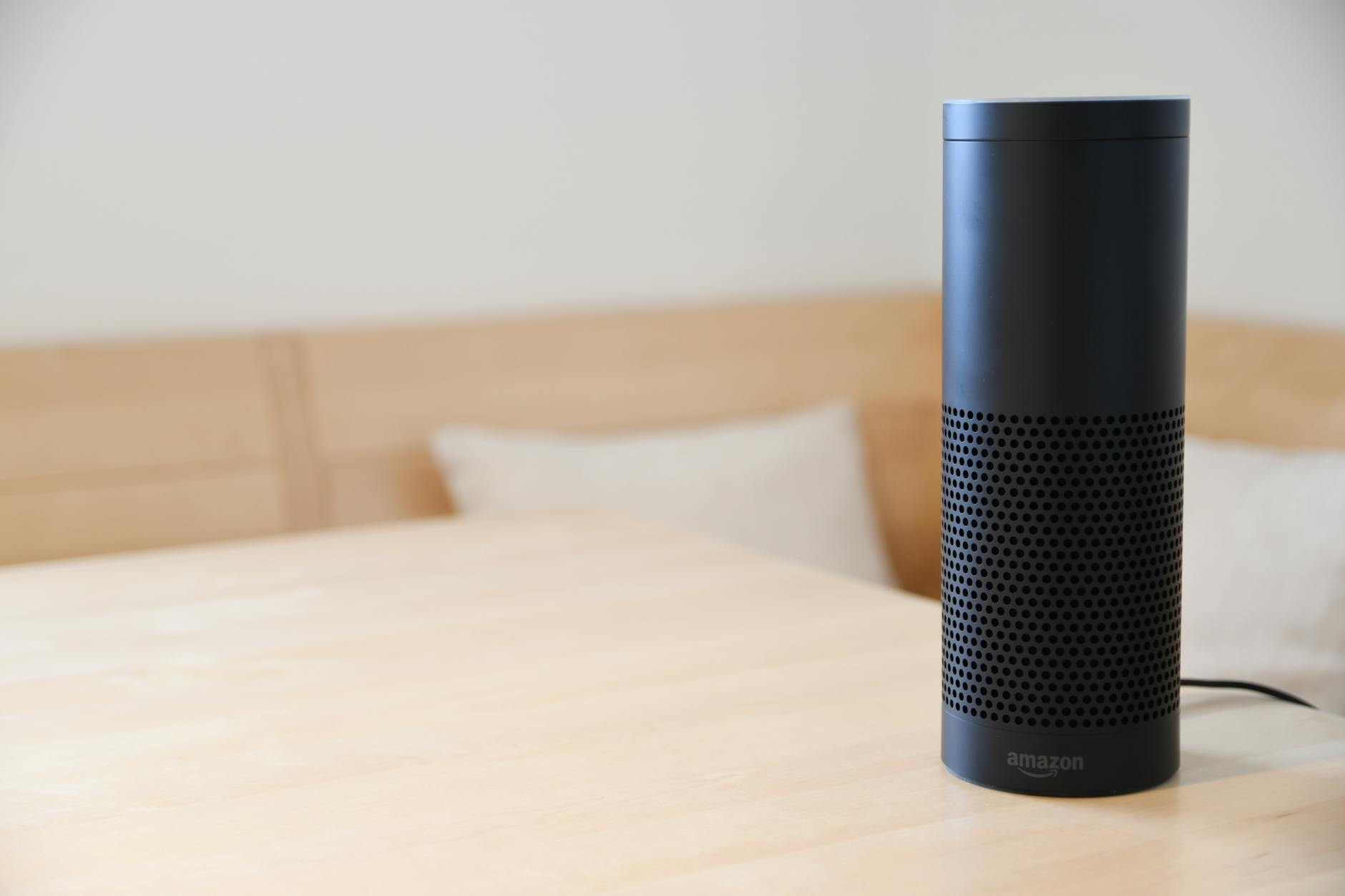
Photo by Fabian Hurnaus
AIVA Health is a Los Angeles based company (founded in 2016) that builds voice assistant technology for hospitals and senior care environments. The concept is simple: people in care settings can talk to the room or the system to get things done, instead of relying only on call buttons, phone calls, or finding a workstation.
In the real world, AIVA Health shows up in places like:
- Acute care hospitals and smart patient rooms
- Rehab and post-acute facilities
- Nursing homes and skilled nursing
- Senior living communities
The platform is often described as running on familiar voice devices, then connecting into facility systems and workflows. The “connects to systems” part is what makes this more than a gadget. For the most direct overview, start with the company site: https://www.aivahealth.com/.
How voice assistants fit into hospitals and senior living
Hands-free voice sounds like a nice-to-have until you picture the day-to-day moments where it matters.
In a hospital, a patient might be stuck in bed after surgery. Reaching for a remote or phone can be hard, painful, or unsafe. In senior living, a resident might have limited mobility or vision, or just not want to fumble with tiny buttons.
Voice use cases that tend to click quickly:
Calling for help without hunting for a button: A patient asks for assistance, the right person gets notified, and the request is clearer than “help.”
Room control without getting up: Lights, TV, temperature, and blinds can often be adjusted by voice, which supports comfort and independence.
Fewer touchpoints: In settings where infection control matters, reducing shared-touch surfaces can be a practical benefit.
Accessibility: Voice can be easier than screens for some people, especially when they’re stressed, medicated, or dealing with limited mobility.
This is why “in-room voice” keeps showing up in smart hospital and senior living conversations. AIVA Health positions its hospital deployments around this idea on its hospitals page: https://www.aivahealth.com/hospitals.
What makes AIVA Health different from a smart speaker at home
A home smart speaker is built for convenience. A healthcare voice assistant has to handle extra requirements that are not optional.
Here’s the plain-English difference: in care settings, voice is part of the workflow, and workflow needs rules.
A healthcare-grade voice assistant typically needs:
- Privacy protections that match how facilities handle health information
- Integrations into systems people already use (clinical, dietary, maintenance, communications)
- Reliable device management, updates, and admin controls at scale
- Role-aware behavior, so a nurse workflow is not the same as a patient workflow
- Clear audit trails for what happened and when (important in regulated environments)
The goal is not to entertain. It’s to remove friction from care tasks and basic room needs, without adding risk.
What AIVA Health can do for patients, residents, and staff
When voice assistants work well in care settings, people don’t describe them as “AI.” They describe them as “it’s easier to get help,” or “I don’t have to keep repeating myself,” or “I can finally control the room.”
AIVA Health is commonly described as supporting both the patient or resident experience and staff workflows. For a third-party snapshot of features and typical integrations, this listing is helpful: https://elion.health/products/aiva-health.
Patient and resident features people notice right away
Patients and residents usually care about comfort, independence, and how quickly they can get what they need. The best features are the ones that feel obvious after one use.
Common “notice it on day one” actions include:
Room controls: Adjust lights, TV, temperature, and sometimes blinds. The benefit is basic but real, less discomfort, less waiting, fewer awkward reaches.
Requests without explaining everything: Asking for water, a blanket, housekeeping, or help to the bathroom can become a structured request that routes correctly.
Food and dining info: In some setups, people can check menus or place requests, which cuts down on confusion and repeat calls.
Schedules and reminders: Simple prompts like therapy times, visiting hours, or daily routines help reduce uncertainty.
Staying connected: Video calls or quick ways to contact family can reduce isolation, especially in longer stays.
The big win here is not the feature list. It’s the feeling of control. When someone is sick or adjusting to assisted living, small choices matter.
AIVA also highlights senior living specific use cases on its senior living page: https://www.aivahealth.com/seniorliving.
Staff and nurse workflows that reduce busywork
Care teams want less hunting, less waiting, and fewer tasks that break concentration. Voice assistants can help when they fit how work actually happens.
At a high level, staff-facing voice workflows can include:
Voice-based requests and routing: Instead of tracking down the right extension or sending multiple messages, staff can initiate a request hands-free and send it to the right team.
Reminders and quick lookups: Policies, unit info, and routine questions can be answered faster, which helps new staff and float staff.
Simple work orders: Reporting a broken item or requesting maintenance can be done in the moment, before it gets forgotten.
Translation support: In some workflows, voice can help bridge common language gaps, especially for basic needs and directions.
EHR-related tasks (high-level): Some solutions focus on voice charting or voice interactions tied to documentation steps. This is also where facilities need to be careful. It has to be accurate, auditable, and aligned with policy.
The main outcome to aim for is less task switching. Every time a nurse stops to find a computer, log in, and click through screens for a simple action, that’s time not spent with patients. Voice can reduce some of that, as long as it’s deployed with the right guardrails.
For a real-world example of how a health system talks about using AI to reduce admin burden, Cedars-Sinai has published coverage here: https://www.cedars-sinai.org/newsroom/artificial-intelligence-lightens-burden-on-nurses/.
What to consider before adopting AIVA Health (cost, privacy, rollout)
Voice in healthcare isn’t “install and forget.” The best deployments treat it like any other clinical or operational system: define the goal, plan the integration, and train for real life.
Before you say yes to a pilot, get clear on three areas:
Ownership: Who runs the project day-to-day, clinical ops, IT, nursing leadership, patient experience, or facilities? If nobody owns it, it stalls.
Systems and scope: Which systems need to connect for the use case to matter? Room controls, nurse call, messaging, dietary, maintenance, EHR workflows?
Success measures: What will you track to decide whether to expand? If you can’t define success, you’ll argue about it later.
Privacy, security, and compliance questions to ask
You don’t need to be a compliance expert to ask smart questions. You just need to be consistent. Use questions like these with any vendor, including AIVA Health:
- What data is captured, and what is not captured?
- Are audio recordings stored? If yes, where, for how long, and who can access them?
- How is the system managed (device enrollment, updates, remote wipe, lost devices)?
- How do user permissions work for staff, contractors, and temporary users?
- What audit logs exist, and how do we review them during an incident?
- How does the product support HIPAA-aligned workflows, especially around patient info and staff commands?
The goal is to avoid surprises. A voice assistant can be helpful and still create risk if teams treat it like a casual consumer device.
Rollout plan: start small, measure results, then expand
A pilot is your insurance policy. It gives you real feedback and keeps early mistakes from spreading.
A sensible rollout often looks like this:
Pilot one unit or one building: Choose a place with supportive leadership and clear use cases.
Train with real scenarios: Not “here’s what it does,” but “here’s what to say when you’re in a hurry.”
Make it visible: Simple signage in rooms, quick tips at nurse stations, and short scripts for common requests.
Track signals that matter: patient satisfaction comments, staff feedback, the volume and type of requests, and how often teams bypass the tool.
Name champions: One or two respected staff members who can help others and give honest feedback.
Expansion should be earned. When staff say it helps, patients use it without coaching, and support tickets stay reasonable, then scaling makes sense.
How AIVA (AIVAAgency.com) can help small businesses market AI health solutions
A quick clarification, because the names are similar: AIVA Health is the healthcare voice assistant company. AIVA at AIVAAgency.com is a marketing agency brand name, and it may be a separate organization. If you’re selling or promoting AI health tools, that naming overlap can confuse buyers, so it’s worth stating clearly in your messaging.
If your business sells into hospitals, senior living, rehab, home care, or wellness tech, your challenge usually isn’t “getting attention.” It’s earning trust fast, with simple language, and proof that you understand the environment.
If you sell into healthcare, here’s how AI-powered marketing can help
Healthcare buyers are trained to be skeptical, and for good reason. They deal with risk, procurement steps, and internal politics.
AI can help your marketing team move faster on the parts that are safe to accelerate:
Positioning that passes the “so what” test: Explain the value in one sentence, then back it up with two concrete examples.
Trust-first content: FAQs, security overviews (plain language), workflow diagrams, and short case stories. Keep claims modest and document what you can.
Targeted outreach that respects the buyer: Ads and emails that speak to administrators, nursing leaders, and ops teams differently, because they care about different outcomes.
Faster testing: You can test headlines, landing page sections, and email sequences quickly, but keep a human review step for accuracy and tone.
A strong marketing system doesn’t oversell. It explains the workflow problem, shows how the product fits, then makes it easy to evaluate.
A simple plan to generate leads without sounding salesy
A lightweight funnel works better than a loud campaign in healthcare-adjacent markets.
Here’s a simple structure many small teams can run:
One focused landing page: One use case per page, one audience, one clear action (request a demo, ask a question, download a guide).
One helpful guide: Something like “Voice assistant rollout checklist for senior living” or “Questions to ask about privacy and device management.” Keep it useful even if the reader never buys.
Email follow-up that educates: Three to five short emails that answer common objections (privacy, training, integration, support), with real examples.
A booked-call flow that respects time: A short form, a clear agenda, and a promise of what they’ll leave with (for example, a pilot outline).
Credibility matters more than cleverness here. Include practical details like who the product is for, what it connects to, and what your team does during implementation, without making big promises you can’t prove.
AIVA’s Takeaway
AIVA Health brings voice help into care settings, with the goal of improving comfort for patients and residents while reducing friction for staff. The best results come from matching the tool to real workflows, then proving value in a small pilot before expanding.
If you’re considering adoption, focus on privacy questions, integration needs, training plans, and a clear definition of success. If you market or sell AI health solutions, lead with clarity and trust, not buzzwords. The buyers you want are looking for partners who understand how care actually works.